
Quick Start Guide
Rev: A
Table of contents
1.1 Demo studies
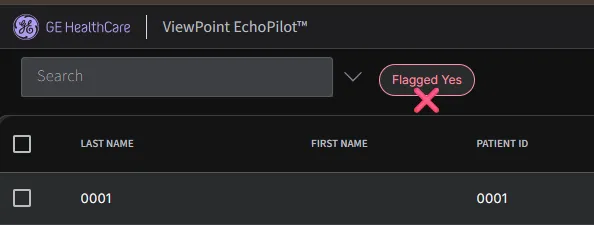
We have pre-loaded the account with 3 of our demo studies. In order to view these, please click on Search button on as soon as you login and clear all default filters.
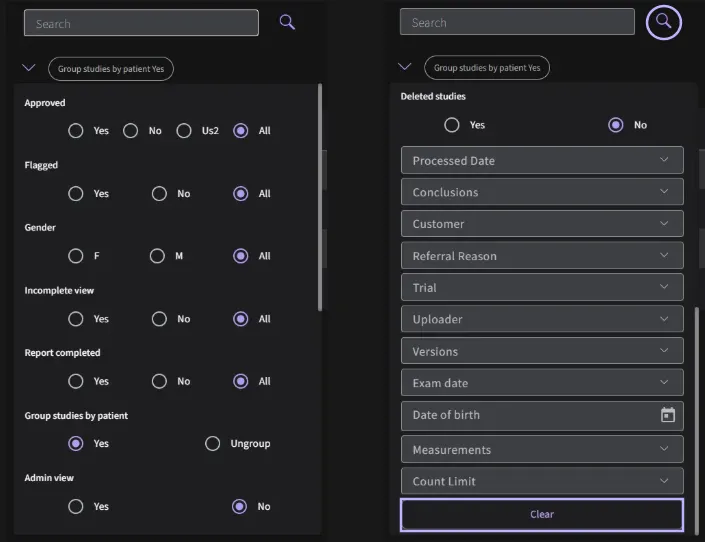
If you wish to view the full list of studies, you can clear all default filters. This will reset the filter settings and allow you to access the complete study database.
1.2 Uploading new studies
To upload a new study, please follow instructions below:
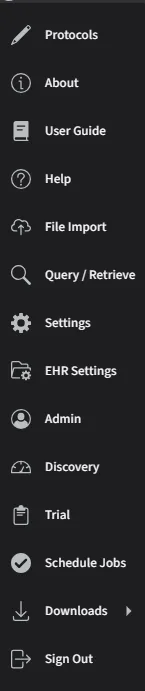
- Once logged in, click on your username and click on "File Import"
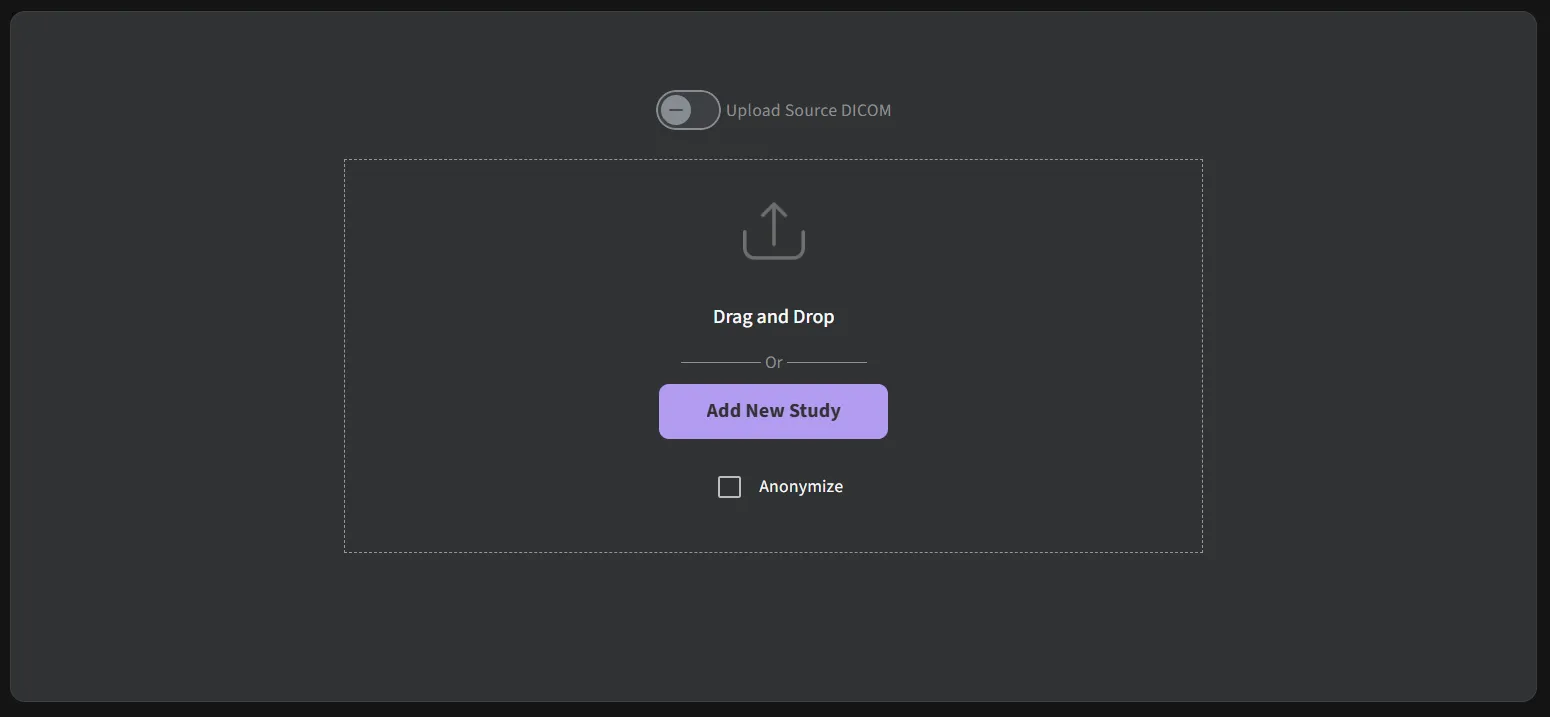
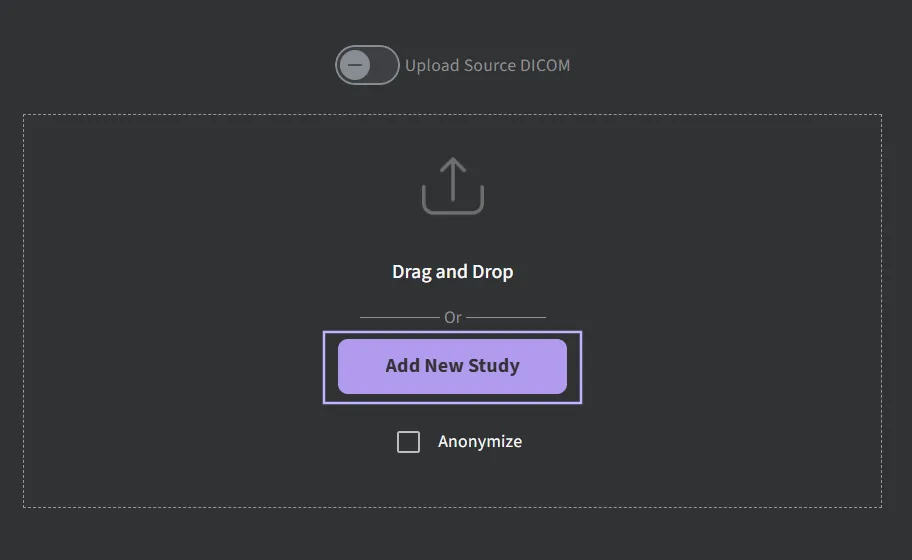
- Drag and drop files into "File Import" or upload a study via the Add New Study button
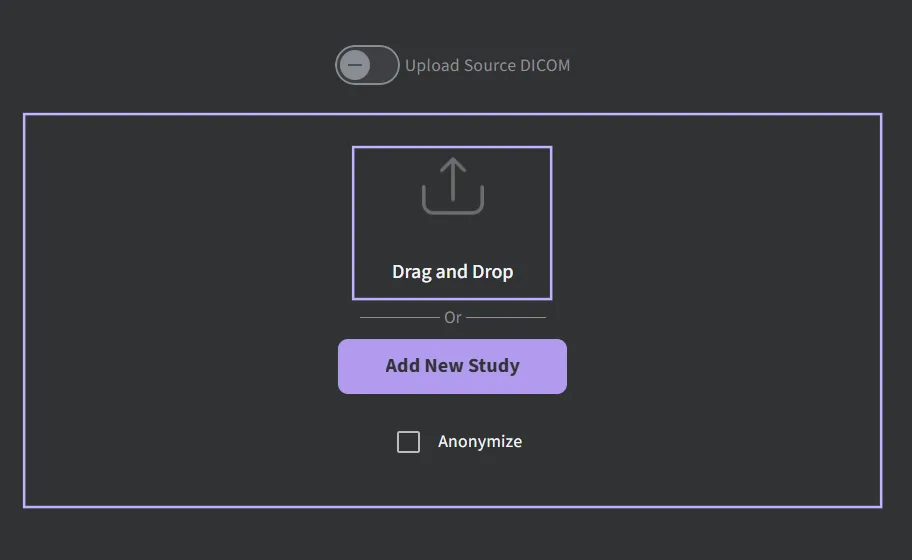
- If you have selected Add New Study button, please select the folder that contains the study or studies and click on Upload
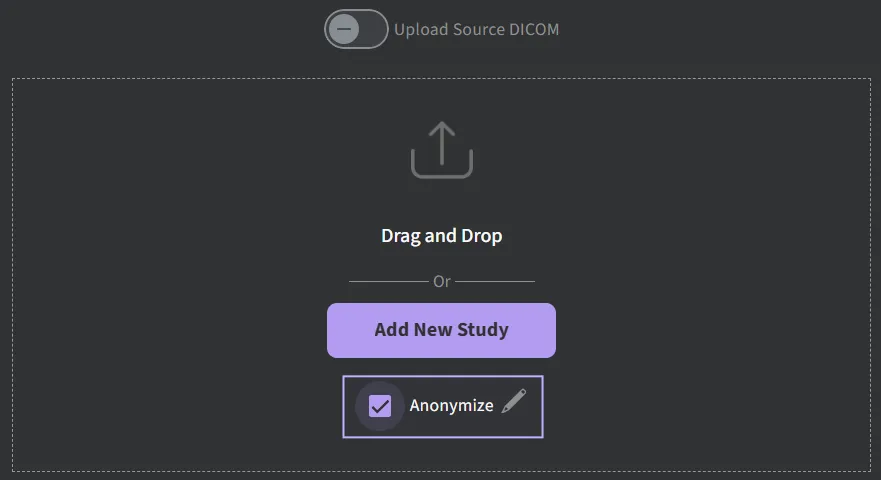
You may customize the DICOM tags to be anonymized during the upload process. The dialog box will appear and you will be able to select whether to Remove/Pseudonymize/Keep a particular metatag. Pseudonymization is to apply a hash to the Patient ID where Us2.ai may be able to determine based on the original. Your selection will be saved for future uploads.
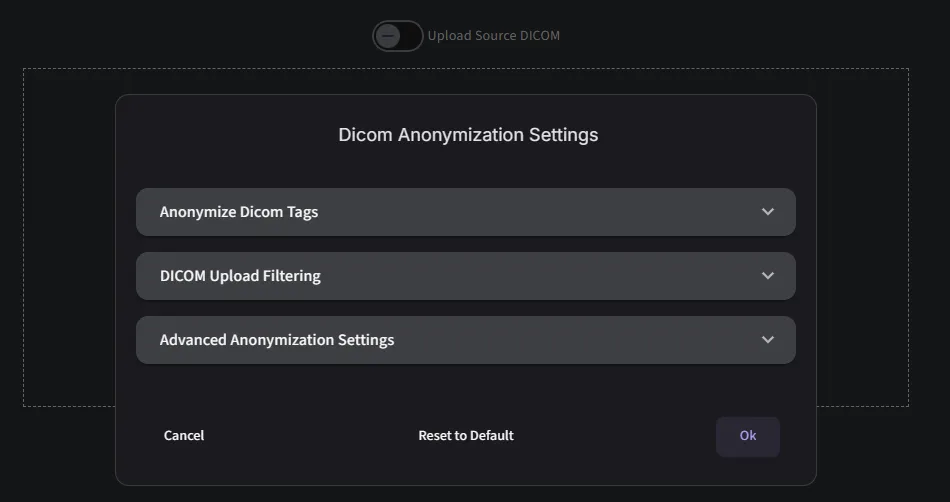
Individual DICOMS can be removed from the upload.
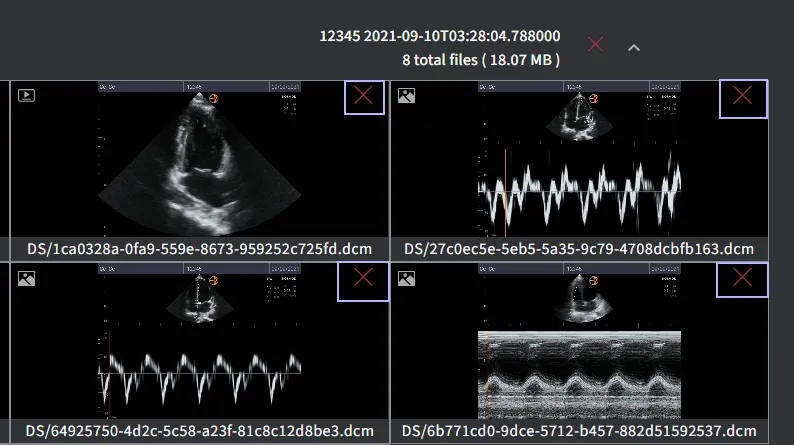
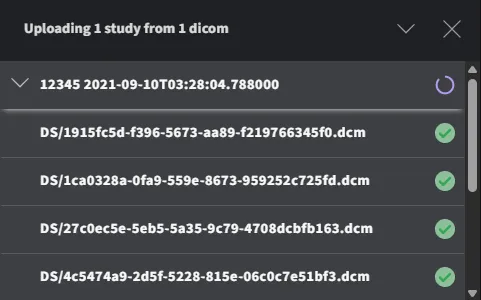
During the uploading process, you should see a screen like the one below.
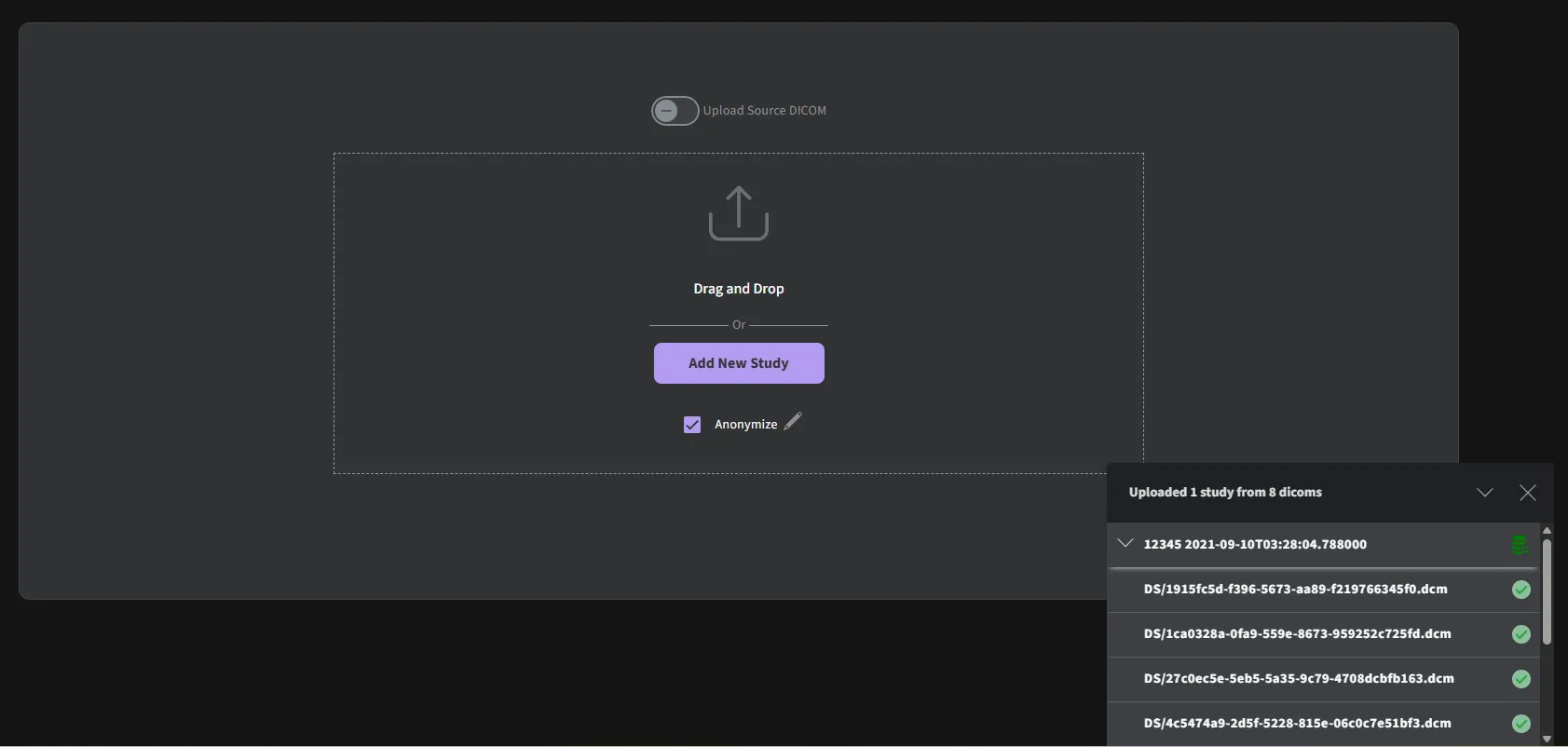
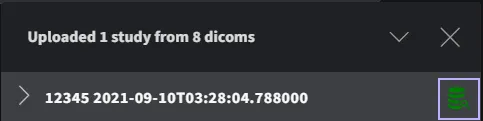
Once the upload is completed, you can click “View study” to review.
When an existing exam is found during the upload process, a notification will prompt the user to either create a new exam or update the existing one.
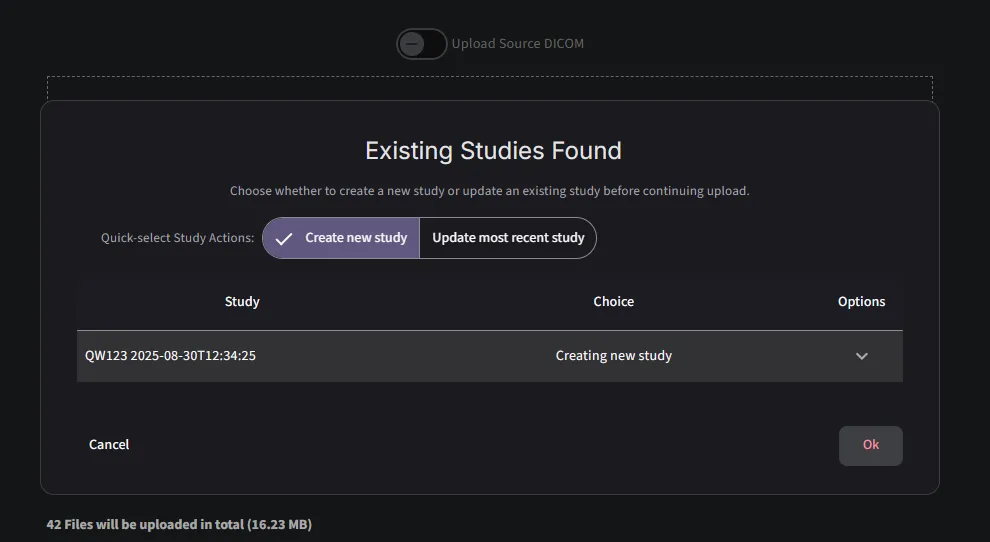
Uploads can be removed using the ‘Reset’ button.
1.3 Accessing help content and videos
If you require a refresher on how to use certain features of the application, please refer to the User Guide, which can be accessed via the ‘Help’ page in the dropdown menu under your username. The guide offers detailed instructions and support across the various functions available in ViewPoint EchoPilot.
1.4 Contact Support
If you need further assistance, feel free to contact us directly:
- EU Support: [email protected]
- US Support: [email protected]